WiFi speed test app runs on a MacBook (macOS 11+) or any laptop (Windows 7/8/10/11) with a standard 802.11be/ax/ac/n/g/a/b wireless network adapter. Read more about the 802.11be support here.
What Internet Speed Do I Need?
What internet speed do you really need for streaming, online gaming, or browsing the web?
The internet world is getting heavier: huge games and 4K streams are now the norm. If you're tired of waiting for another page or video to load, it's time to check your plan. We've prepared an honest guide on what internet speed you really need for work, entertainment, and online battles.
Jump to...
What Internet Speed Do I Need for Different Purposes?
What internet speed do you really need? According to the FCC, the old 25/3 Mbps benchmark is no longer considered sufficient for “advanced” broadband use. In 2024, the agency raised its fixed broadband benchmark to 100 Mbps download and 20 Mbps upload, and also set a long-term goal of 1 Gbps download and 500 Mbps upload.
As a general rule, 100/20 Mbps is now a much more realistic baseline for a modern household, especially if several people are online at the same time for streaming, video calls, gaming, work, or school. Still, the real answer depends on how you use the internet. For some households, 100 Mbps will be plenty, while others may need more headroom to avoid lag, buffering, and endless loading screens.
To avoid paying for speed you will never use — or getting stuck with a connection that feels too slow — it helps to match your plan to your actual online habits.
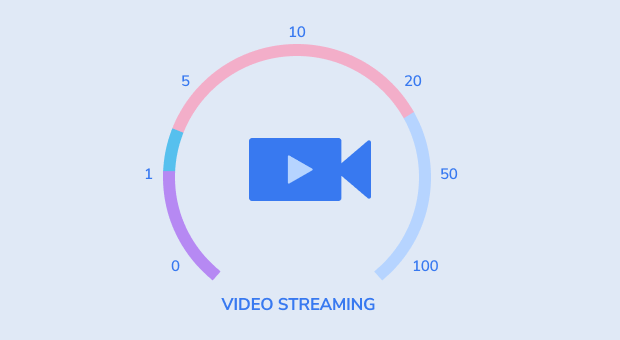
What Internet Speed Do I Need to Stream?
Streaming speed needs depend on video quality, the number of devices using your network at the same time, and whether other bandwidth-heavy tasks are happening in the background, like gaming, video calls, downloads, or cloud backups. Here’s a more current guide:
- Standard Definition (SD / 480p): For one stream, about 1–3 Mbps is usually enough. Some apps may need a bit more headroom in real-world use, but 5 Mbps is not a typical minimum for 480p.
- HD (720p): A good target is around 2.5–3 Mbps per stream.
- Full HD (1080p): In most cases, around 5 Mbps per stream is a solid baseline. Saying that 10–15 Mbps is required per device for 1080p would be too high for a general recommendation.
- 4K Ultra HD: For 4K streaming, 15–25 Mbps per stream is the usual practical baseline, depending on the service. Some platforms recommend even more bandwidth for the best experience, especially when HDR is involved or other devices are active on the network.
- Shared Use and Background Activity: If one person is streaming in 4K while someone else is gaming, on a work call, or downloading large files, those demands stack up quickly. For a modern household with several connected devices, 100/20 Mbps is now a much more realistic comfort baseline than older broadband targets.
It's always a good idea to check with your streaming service provider for their specific recommendations. Also, testing your internet speed during peak usage times in your household can give you a better idea of the bandwidth available for streaming.
What Internet Speed Do I Need for Gaming?
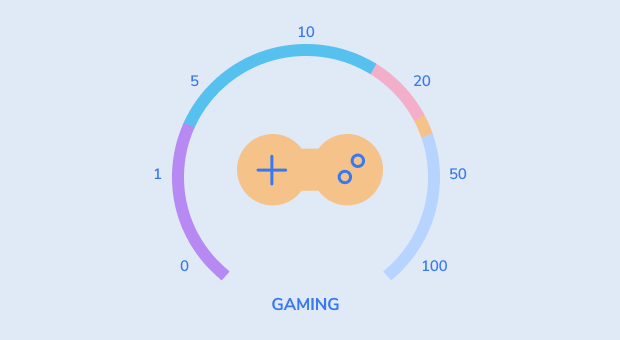
The internet speed you need for gaming depends less on raw download speed and more on latency, stability, and upload performance. Most online games do not need huge bandwidth, but they do need a connection that stays steady and responsive.
Here’s a more current general guide:
- Casual online gaming: For most online games, speeds of around 3 Mbps download and 0.5 Mbps upload are considered the bare minimum. Xbox lists 3 Mbps down and 0.5 Mbps up as a minimum for online gaming.
- A more comfortable baseline: In real-world use, it’s smarter to aim for at least 10–25 Mbps download and 1–5 Mbps upload, especially if other people in your home are streaming, browsing, or using video calls at the same time. The FCC’s current benchmark for modern household broadband is now 100 Mbps download and 20 Mbps upload, which better reflects today’s multi-device usage.
- Cloud gaming: If you use cloud gaming services, the requirements are much higher. NVIDIA GeForce NOW recommends about 15 Mbps for 720p at 60 FPS, 25 Mbps for 1080p at 60 FPS, 35 Mbps for 1440p at high frame rates, and 40–45 Mbps for 4K streaming, depending on the mode.
- Remote Play and game streaming: For Remote Play, PlayStation says the minimum required connection speed is 5 Mbps upload and download, while 15 Mbps is recommended for better performance. PlayStation Plus cloud streaming also lists 5 Mbps minimum, with 15 Mbps for 1080p streaming.
Gaming usually does not require ultra-fast internet, but it absolutely requires low latency and a stable connection. A slower but steady connection can feel much better than a fast one with lag spikes, jitter, or packet loss. If you game in a busy household, it also helps to have extra bandwidth so other devices do not clog the line while you play.
What Internet Speed Do I Need for Netflix?
Speaking of online videos, Netflix actually has official bandwidth requirements listed on its site, here they are:
- 3 Megabits per second or higher — Recommended for HD quality (720p)
- 5 Megabits per second or higher — Recommended for Full HD quality (1080p)
- 15 Megabits per second or higher — Recommended for Ultra HD / 4K quality
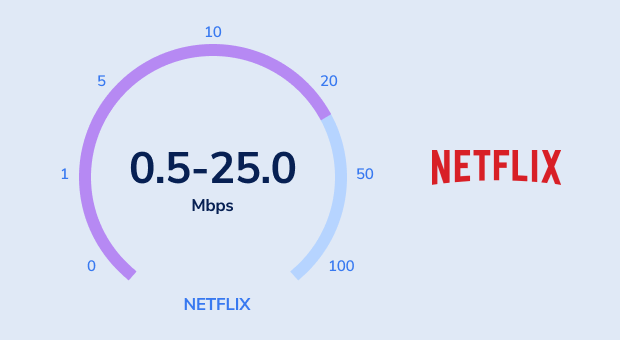
For example, if two people in your household want to watch Netflix in Full HD at the same time, you would likely need at least 10 Mbps. If two people want to watch in 4K, you should plan for at least 30 Mbps.
It’s also good practice to have a bit of a buffer above these speeds, as other factors like the quality of your Wi-Fi connection, the distance from your router, and the time of day can affect your streaming quality. Plus, you might be using the internet for other things at the same time, like browsing or downloads, which would also require bandwidth.
What Internet Speed Do I Need for General Web Surfing?
For general web surfing, basic browsing can work at very low speeds, but for modern websites a more realistic minimum is usually around 5 Mbps. The only problem is that some websites contain nothing but text, while other sites host a plethora of large images and other multimedia content. In practice, you can expect most sites to load in just a few seconds a stable connection of around 5 Mbps or higher, but be prepared for some sites to take as much as a minute to load fully.
Here are some general guidelines:
- 5-10 Mbps: This is usually enough for basic web browsing, email, social media, and light music streaming on a single device, though heavier pages may still load more slowly.
- 10-25 Mbps: This is a more comfortable range for smooth browsing, faster page loads, small downloads, and everyday use on more than one device.
- 25 Mbps and up: This gives you plenty of room for very smooth browsing, cloud apps, video streaming, and multiple connected devices at the same time.
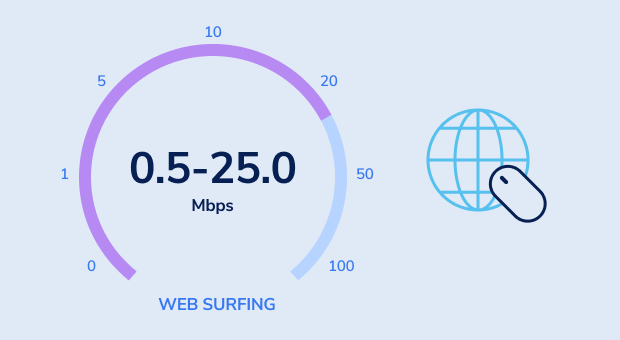
For individual use or small households where internet usage is limited to web browsing, email, and social media, speeds towards the lower end of this range are usually sufficient. However, if your household includes multiple users or devices online at the same time, you may want to consider higher speeds to accommodate everyone's needs without experiencing slowdowns.
Remember, these are baseline recommendations. The actual speed you need could be higher depending on the specific activities you do online and the quality you expect. Moreover, your browsing experience can be influenced by various other elements, such as the strength of your Wi-Fi connection, the performance of your internet service provider (ISP), and the efficiency of your devices.
Modern websites are also much heavier than they used to be, so browsing often feels better with more headroom than the bare minimum suggests.

Get a perfect WiFi speed with NetSpot
Don’t settle for a decent Internet connection, NetSpot ensures a consistent WiFi speed.What Is Internet Speed and What It Consists of?
Internet speed is the rate at which data is transferred between the internet and your device over a given period of time. In everyday use, people often refer to this as bandwidth, though the two terms are not exactly the same. It consists of two numbers: download speed and upload speed.
- Download speed: how quickly you can transmit data from the internet to your device. The higher your download speed is, the better.
- Upload speed: how quickly you can transmit data from your device to the internet. The higher your upload speed is, the better.
Both download and upload speed are most commonly measured in megabits per second (Mbps). If you want to download or upload a 100 MB (megabyte) file and you have a 100 Mbps internet connection, the time it would take the file to download or upload is 8.39 seconds. Why not 10 seconds? Because there are actually 8 bits in each byte, so 8 megabits is equal to 1 megabyte (8 Mb = 1 MB).
Internet service providers love using megabits per second instead of megabytes per second because it makes their internet packages sound more appealing. To avoid any confusion, we recommend you use a data transfer speed calculator (such as this one) to easily estimate file upload, download, or transfer speed.
In addition to your download and upload speed, you should also pay attention to the latency of your internet connection, which is how long it takes data to travel between its source and destination. Latency is measured in milliseconds (ms), and it can be just as important as bandwidth, depending on how you tend to spend your time online. Packet loss can also matter, especially for gaming, video calls, and other real-time activities.
Of course, you can have the fastest internet connection in the world, but you won’t be able to enjoy it much unless you also have a strong WiFi signal. Use a network analyzer such as NetSpot to easily conduct a wireless site survey and see how you can optimize your WiFi network for better performance.
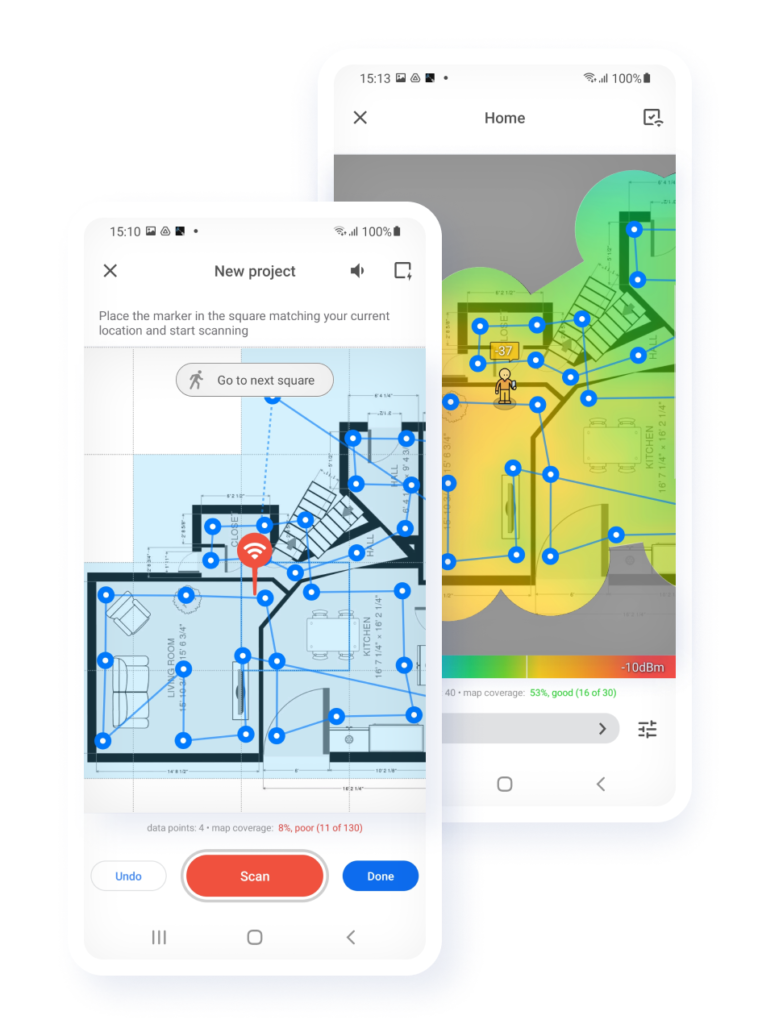
NetSpot WiFi site survey app for Android
Survey a space of any size directly on your Android device in just a few effortless taps.
Calculate the internet speed you need
Calculating the internet speed you need depends on several factors, including how you use the internet, the number of devices connected to your network, and your quality expectations for streaming and downloading. Here's a guideline to help you figure out the ideal internet speed for your household:
- Determine Your Internet Activities: Different online activities require varying amounts of bandwidth. For example, browsing and emailing are low bandwidth activities, while HD streaming, online gaming, and video conferencing need more bandwidth.
- Consider the Number of Users and Devices: The more people and devices you have using your internet connection simultaneously, the higher the speed you'll need. Each device and activity adds to the total bandwidth requirement.
- Quality of Service: If you require high-definition (HD) or 4K video streaming, or if you need a very stable connection for online gaming or professional video conferencing, you will need higher speeds to maintain a good quality of service.
Here's a rough estimate of speed requirements for various activities:
- Email and browsing: 5-10 Mbps
- Social media: 3-10 Mbps
- Streaming standard definition video: 3-4 Mbps
- Streaming HD video (720p): about 3 Mbps per stream
- Streaming Full HD video (1080p): about 5 Mbps per stream
- Streaming 4K video: 25 Mbps per stream
- Online gaming: 3-4 Mbps per device
- Video conferencing (standard): 1-4 Mbps per device
- Video conferencing (HD): 5-8 Mbps per device
To calculate your total needed internet speed, add up the bandwidth requirements for all active devices and activities at peak times. Here's a simple formula you can use:
Total Required Speed = (Number of devices x Average speed per device) + Extra buffer
The extra buffer accounts for any additional bandwidth needed to ensure a smooth experience, especially during peak usage times. A practical rule of thumb is to add some extra headroom above your calculated total, especially if multiple devices are active at once or your household regularly streams, games, or joins video calls at the same time.
Remember, these numbers are estimates and actual needs may vary. Additionally, if you frequently download large files or use cloud backup services, you might need higher upload speeds than the average user. That matters even more today, since the FCC now uses 100 Mbps download and 20 Mbps upload as its benchmark for modern fixed broadband.
Finally, consider the internet plans available in your area and their costs. Sometimes, the best plan for you might be a balance between speed, reliability, and cost.
SO, WE RECOMMEND

NetSpot

Get NetSpot for Free
Wi-Fi Site Surveys, Analysis, Troubleshooting runs on a MacBook (macOS 11+) or any laptop (Windows 7/8/10/11) with a standard 802.11be/ax/ac/n/g/a/b wireless network adapter. Read more about the 802.11be support here.