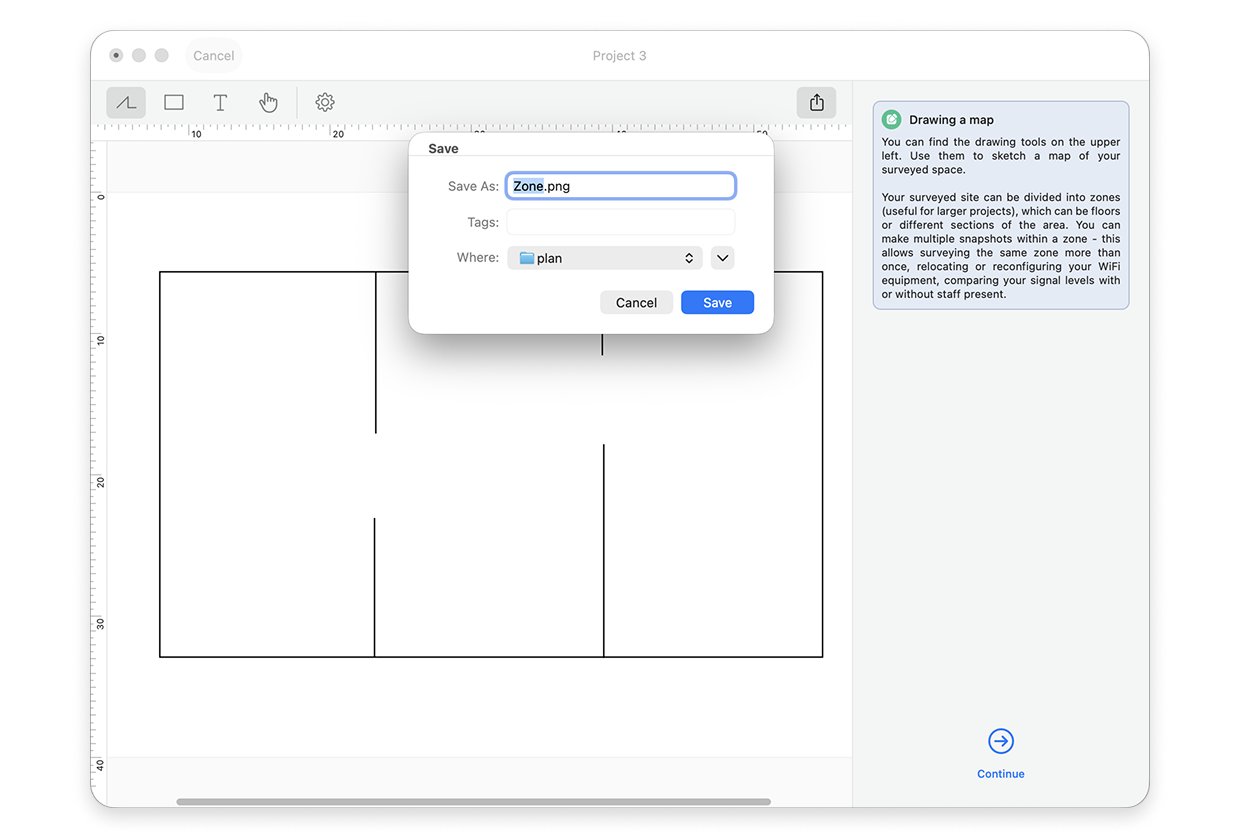
To save a map you have just drawn and before you click Continue, use the small Export icon at the top right corner of the app window to save the map as a PNG file.
NetSpot WiFi site survey tool for macOS is available
After you clicked Continue, set up the data point precision, and started a scan, use File > Export Map… at the top-left corner of the app window to save the map as a PNG file.

NetSpot WiFi site survey tool for Windows is here
updated: October 20, 2026 author: