Did you know that designing a new WiFi network can be as easy as just walking around the space with your Android device while taking the measurements? Draw the floorplan, select building materials, place APs where you think best, and generate comprehensive simulation heatmaps directly in NetSpot for Android (two most popular predictive heatmap types are available via in-app purchase).
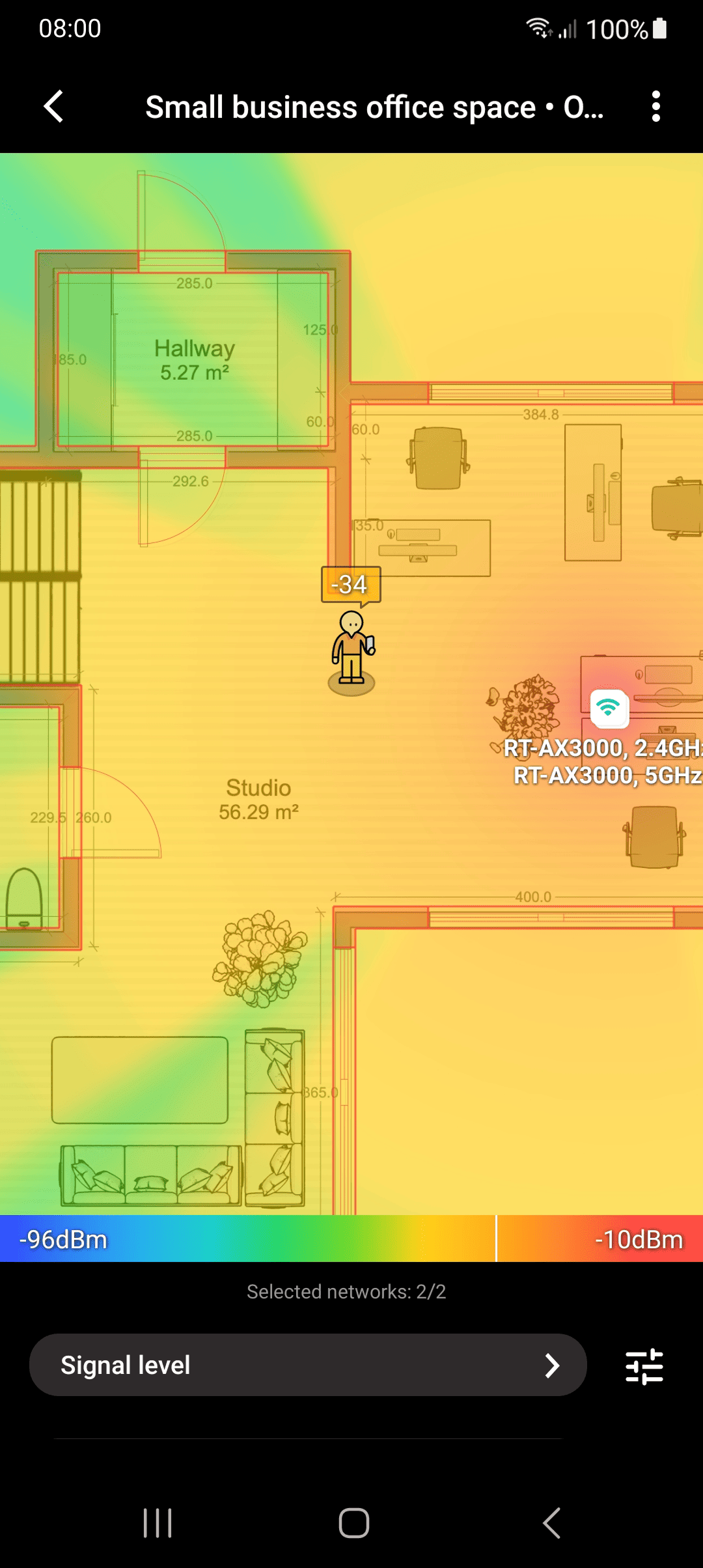
Alternatively to generating Wi-Fi heatmaps on your mobile device, you can export your project to use in a licensed version of NetSpot for desktop and generate heatmaps on your computer. Those will be all types of heatmaps available in the licensed desktop edition and this can be done even if you are using the free edition of NetSpot for Android.
To export, follow the instructions below.
When you are done taking measurements and ready to analyze the data, use the “Export project” option in your Android app.
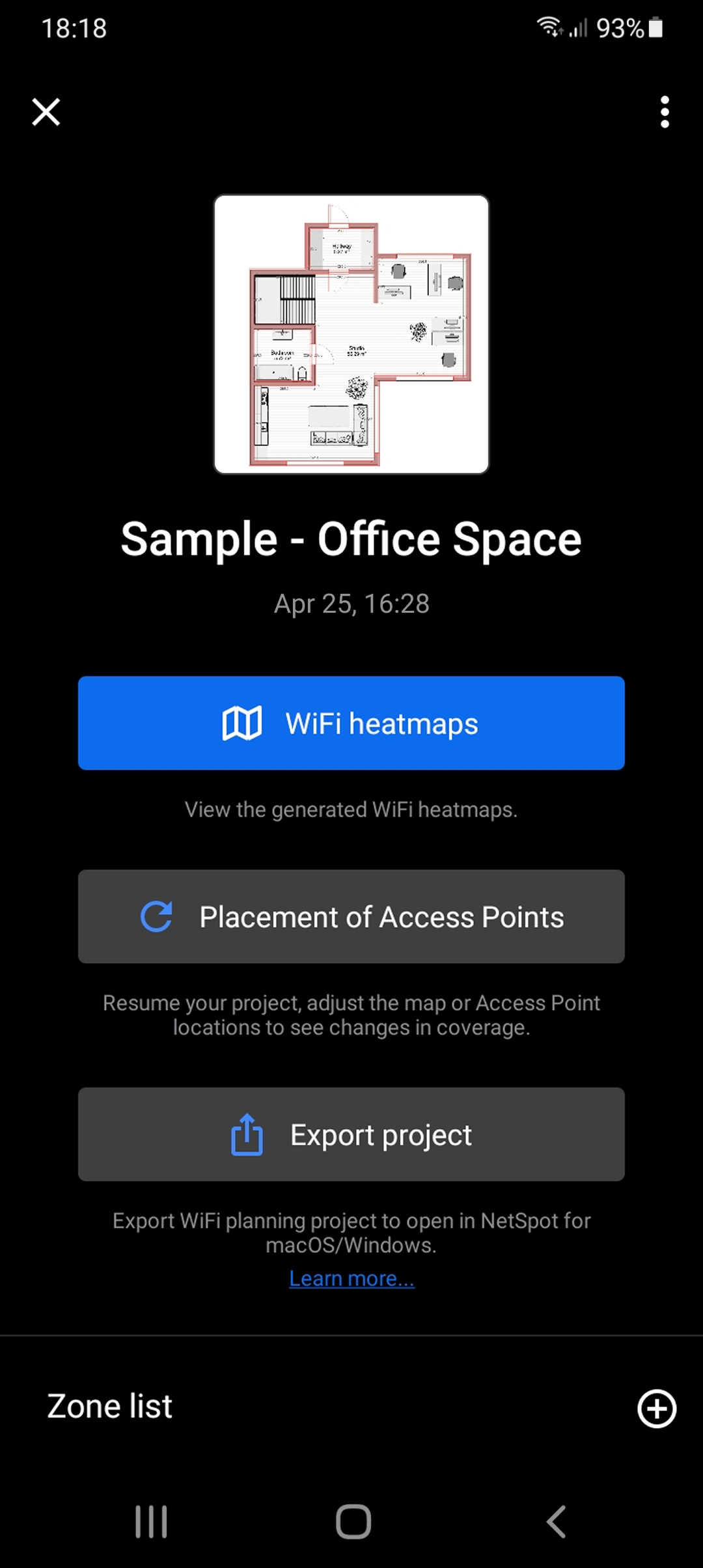
Select the most convenient export option.

Note that whichever sharing option you choose, you’ll need to save the project file on your computer, where NetSpot PRO or Enterprise is licensed.
To start working with the exported planning project on your desktop or laptop, open the NetSpot app, switch to Planning mode, and click the “Open a saved project” button.
Some useful articles on NetSpot visualizations can be found here.