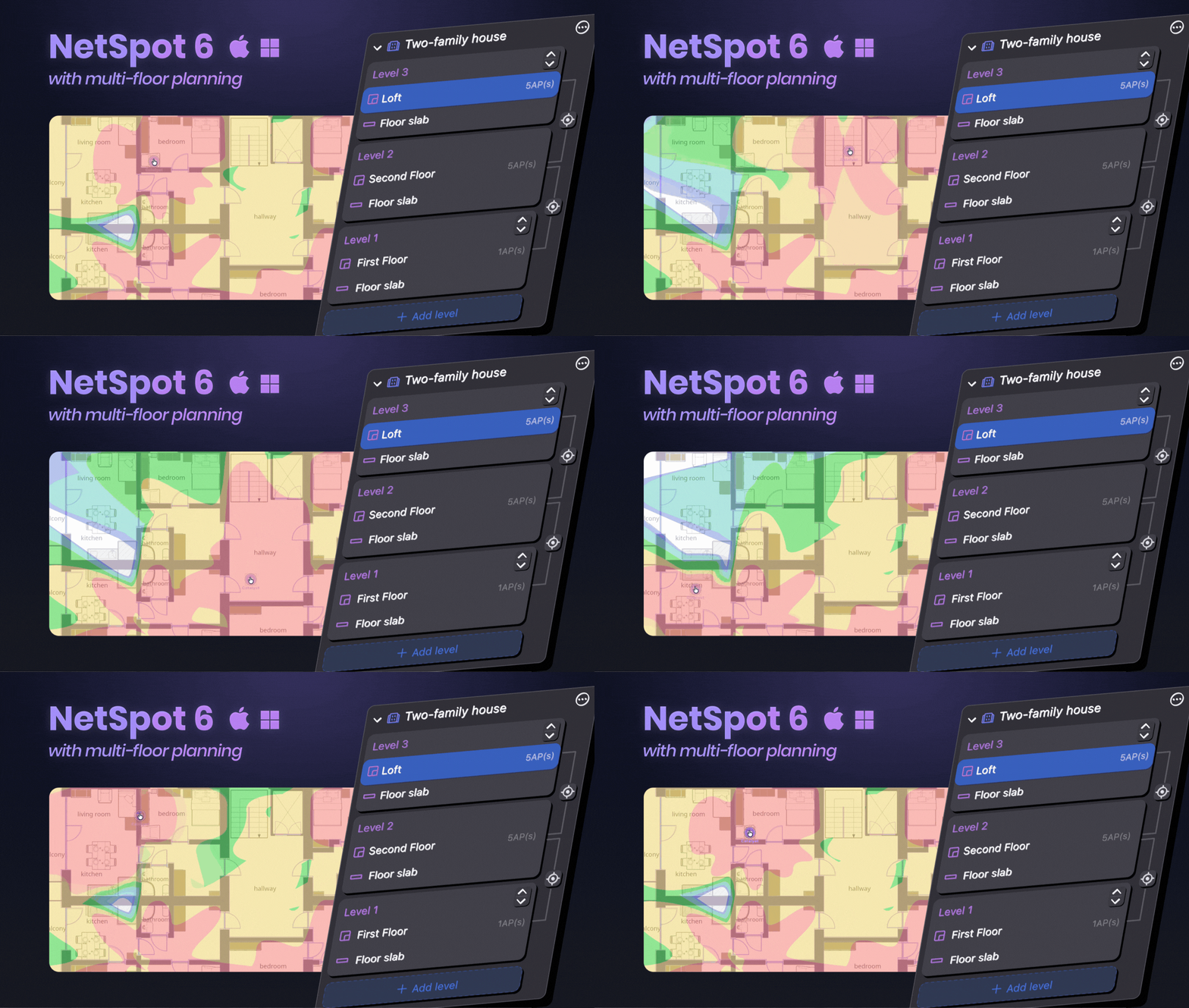
The Planning Mode got a lot of other exciting updates. Thanks to improved algorithms and customizable level of heatmap detail, predictive heatmaps can be generated much faster now.
Multi-floor planning The most exciting and significant new feature in NetSpot 6 is the ability to create multi-floor WiFi designs and model signal distribution not just horizontally, but vertically - from basement to the top floor. You can now create projects spanning several floors of a building, taking vertical distribution of a wireless signal into consideration. An essential addition to the multi-floor planning feature is being able to design floor openings like stairwells, shafts, atriums, etc. A helpful alignment mode for precise level placement - this is important for a more accurate signal distribution modeling. Configure the floor material, its thickness, and attenuation to see how the signal propagates between floors. The new WiFi Planning heatmaps will show all of your access points on different levels and how their signal travels up or down the building. Project creation is now more intuitive and comprehensive thanks to a thoughtful interface revamp. Switching between project levels and zones is now easier with an updated comprehensive clear hierarchy toolbar. An easy-to-present detailed report is created for each project that includes all levels and zones with a clear level of detail. ALSO in NetSpot 6 You can immediately see how the signal will travel around your designated space, even before the heatmaps are generated. Get your WiFi heatmaps up to 18 times faster compared to previous versions of NetSpot, depending on the size of your project, thanks to new advanced algorithms. Signal attenuation through walls and floors is calculated more precisely, providing results that more closely match real-world measurements. Adjust the level of heatmap detail when planning your WiFi coverage directly from the sidebar to match your project's requirements and get faster results. Easy access to a centralized information sheet about each of your projects via the “Get Info” menu option. Adapted to the latest macOS guidelines with redesigned tooltips and a toolbar indicator showing which mode is currently activated. NetSpot for Windows automatically saves backup copies for each Survey and Planning project as you go along to NetSpot Backups (Documents folder). NetSpot for macOS already offers this feature. Lots and lots of fixes and improvements in Survey and Planning modes, as well as report generation. With new NetSpot you are getting an even smoother and faster experience, and most importantly - the most accurate and realistic heatmaps.Design Wi-Fi networks for entire buildings - assess all levels
Multi-floor projects
Cutout editing with a dedicated toolset
Align levels
Floor slab materials matter
AP signal strength, on other floors
An intuitive project design tool
Project navigation toolbar
Multi-floor project export and reports
A plethora of new features and improvements throughout the app
Real-time preview when placing APs on your floor plan
Up to 18x faster heatmap generation
Improved predictions accuracy in WiFi Planning
Adjustable level of detail in heatmaps
Updated project info
Modernized user interface for the newest macOS version
Autosave for all projects Windows
Hundreds of subtle tweaks
We are also introducing an annual subscription option, giving you the flexibility to use NetSpot for short-term projects or take the time to familiarize yourself with it better before committing to a lifetime license, the one that includes upgrades to all future minor and major upgrades of NetSpot.
We understand this is a big change in how the app is licensed, therefore we are introducing two grace periods for our most recent customers:
- If you purchased NetSpot after April 10, 2026, you are getting a Lifetime upgrade for your license type.
- If you purchased NetSpot after February 10, 2026 and before April 10, 2026, you are getting a one year subscription for NetSpot 6 for free. You can later decide if you just want to keep using NetSpot 5 or upgrade to a newer version of the app according to our regular Upgrade Terms.
You can download NetSpot 6 here or anywhere you see the Download button/link on our website. Or you can follow the auto-update prompts in your already installed app.
Once you’ve given this new version a try, please let us know how we did. We are grateful to get your review for NetSpot here.
Thank you for your continued support. Have a great Wi-Fi!
Date: 08/19/2026